
OnAir PlayoutYour TV channel on autopilot
OnAir Playout runs your TV channel 24/7 without a costly playout server, streaming server or switcher. Upload your videos, plan the week and go on air - it switches to your live studio and reporters by itself.
What you get
Your channel stays on air
If a live stream drops or the server restarts, the channel is back within a minute with the same video at the same second - viewers never see black.
New videos air by themselves
Uploads, reporter files and new YouTube videos are checked, sorted by your rules and put on air without anyone touching them.
Live shows need no operator
When the studio connects, the channel goes live by itself - only in the times you allow - and every show is recorded.
What it does
Live = running at JKTV today. Coming = built or planned, not live yet.
Playout server
- Live24/7 output in 1080p with broadcast sound (48 kHz)
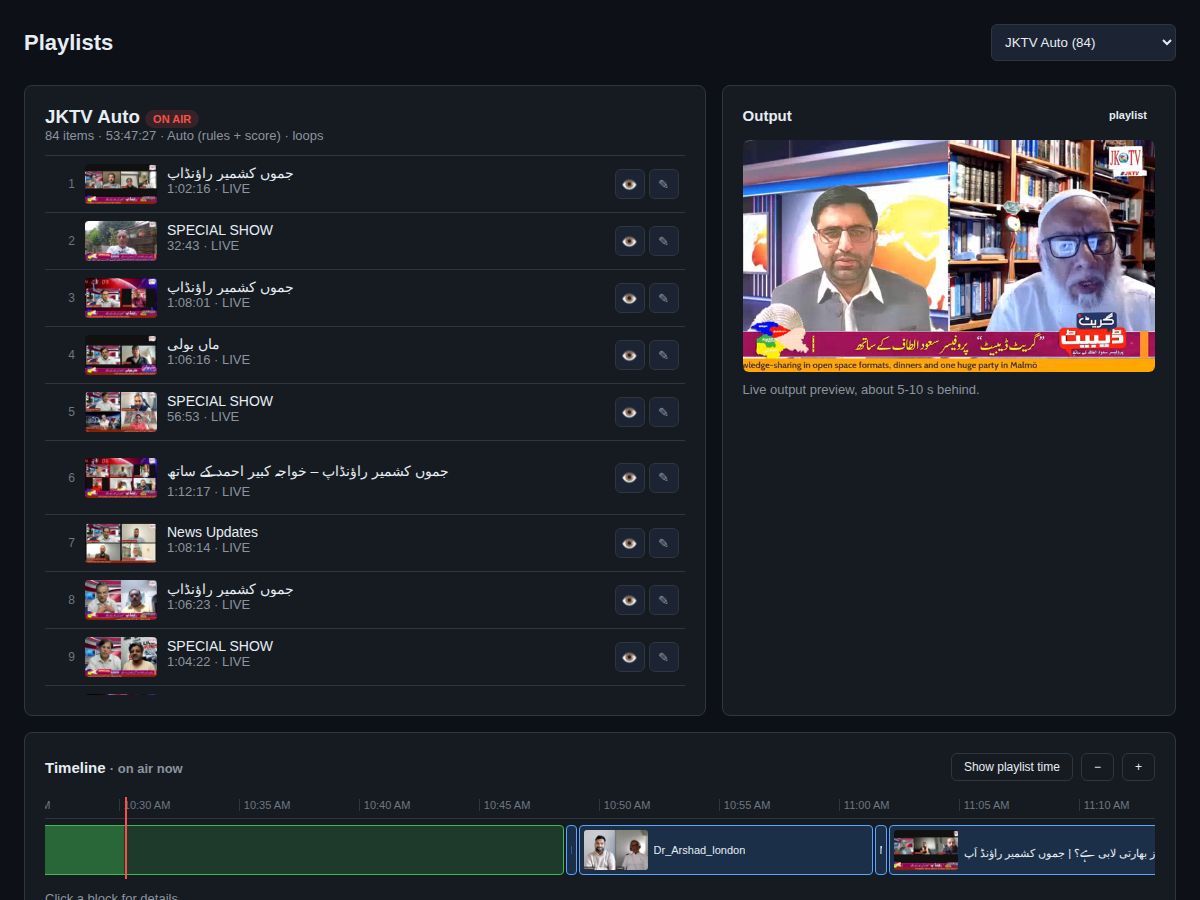
- LivePlaylists, loops and a drag-and-drop timeline
- LiveAutomatic playlists: new programmes and older ones take turns
- LiveNever black: back-up programme and self-repair
- LiveAfter a restart: same video, same second
- LiveLogo, ticker and weather slides on top of the picture
Live streaming server
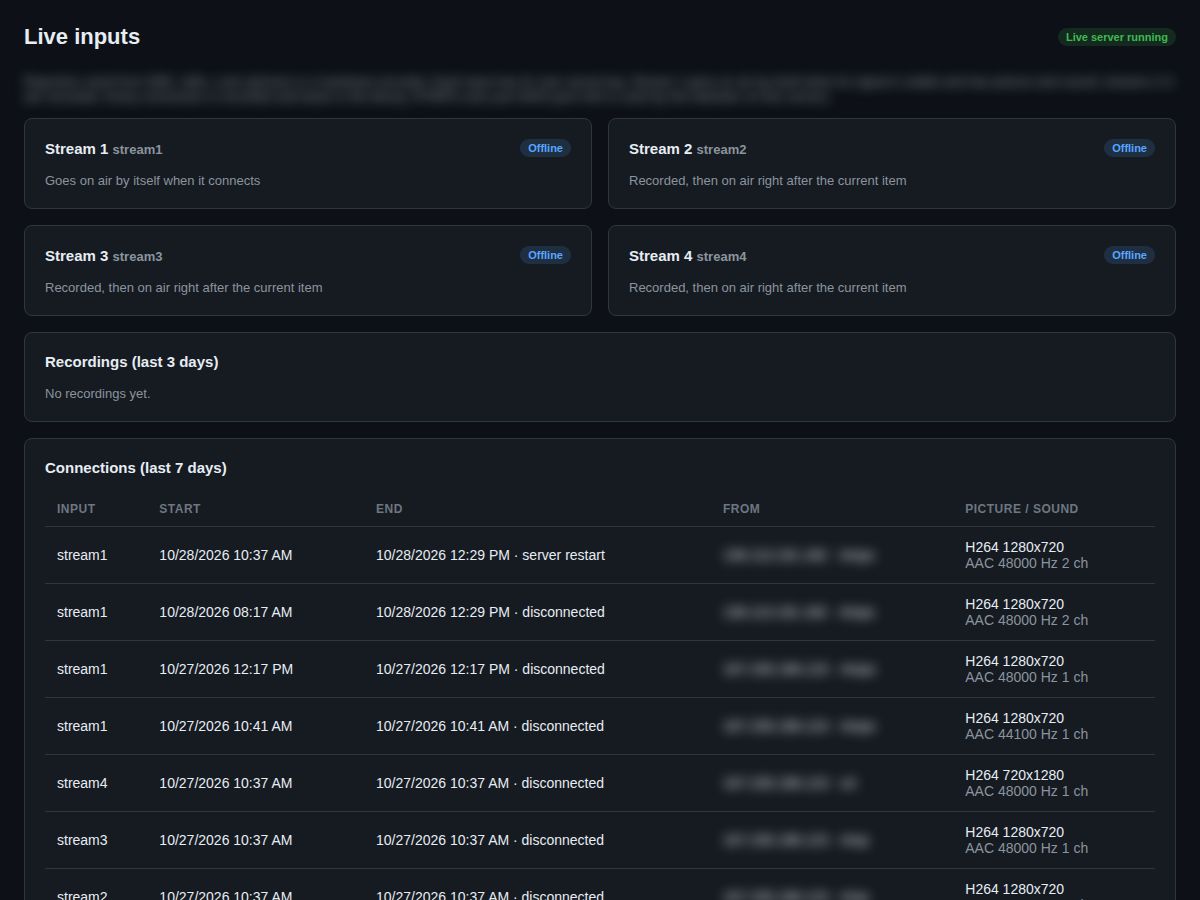
- Live4 live inputs, encrypted (RTMPS and SRT)
- LiveFrom OBS, vMix, StreamYard or a phone
- LiveGoes live by itself when the studio connects - only in the times you allow
- LiveChecks picture, sound and black screen first
- LiveEvery live show recorded and in the library
Switcher and studio
- LiveSee what goes out and every input
- LiveTake live or back to the playlist in one click
- LiveChoose what your website shows
- LiveReal viewer numbers
Scheduler
- LiveWeek calendar for playlists and live shows
- LiveOne video at a set time, daily or weekly
- LiveRules: news first, shelf life, play limits
- LiveBreaking news jumps the queue
Ads
- LiveAd breaks after every N videos or minutes
- LiveIn turn or in a fixed order
- LiveStart and end dates and daily limits
- LivePlay reports for your advertisers, with viewer numbers
Get videos in from everywhere
- LiveUpload big files in the browser (resumes after a break)
- LiveSFTP account per reporter
- LiveYouTube channel and RSS import
- LiveAutomatic check, conversion to 1080p and one sound level
- LiveAI reads the programme name from the on-screen banner
Reporters and guests
- LiveUpload portal that works like a phone app
- LiveOne-time guest links with a QR code
- LiveReview: approve, reject or approve as breaking news
- LiveVirus scan and GPS removal
Safe and watched
- LiveE-mail alerts for switches and every problem
- LiveWeekly health e-mail
- LiveRoles, two-step login and audit log
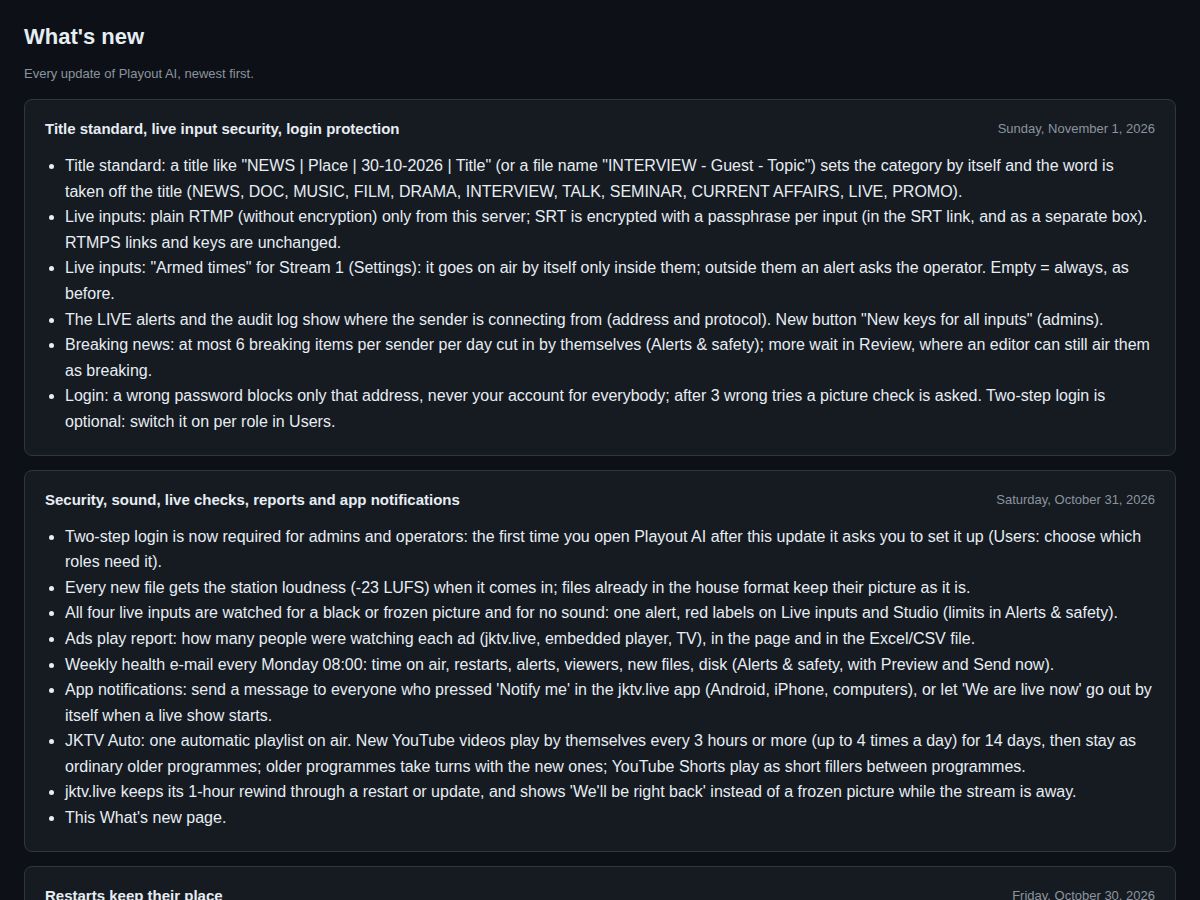
- LiveAs-run log of everything that aired
- LiveBlack, frozen and silent pictures found
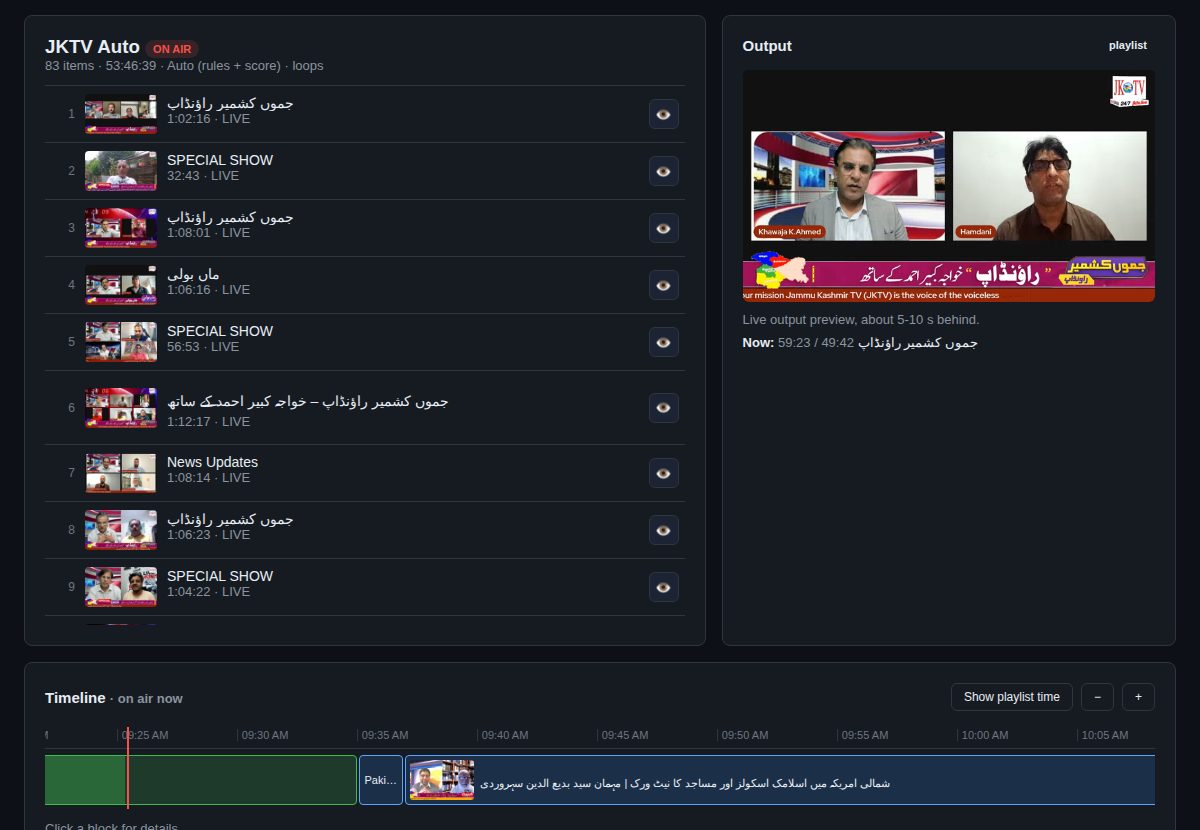
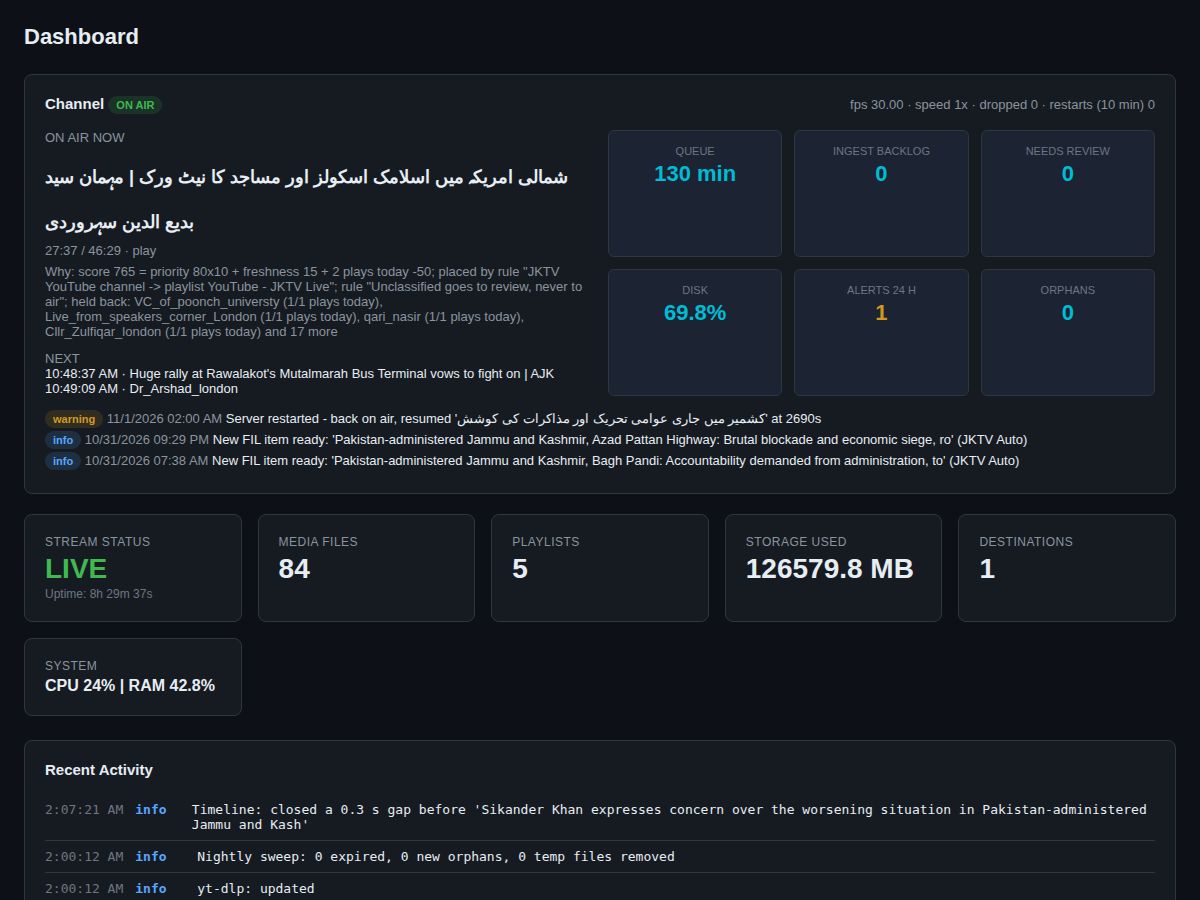
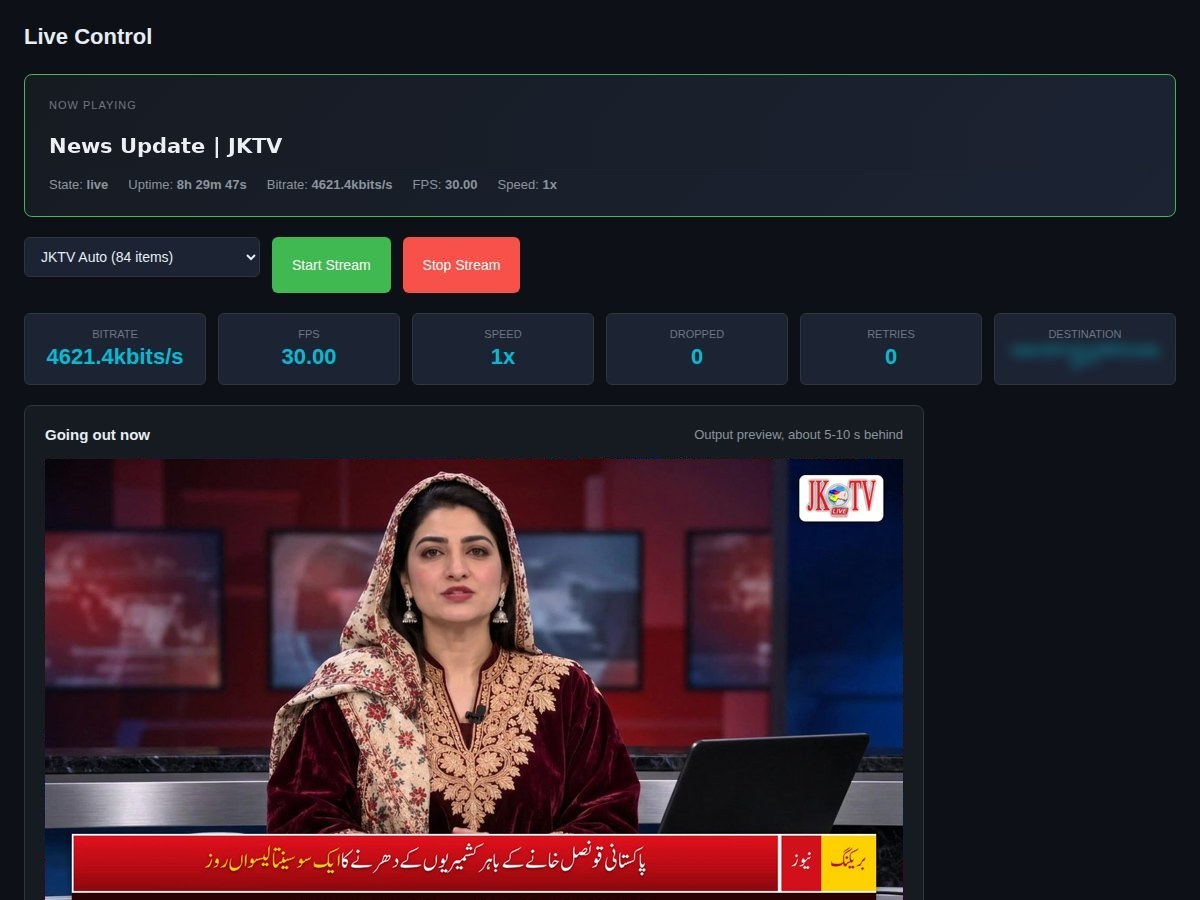
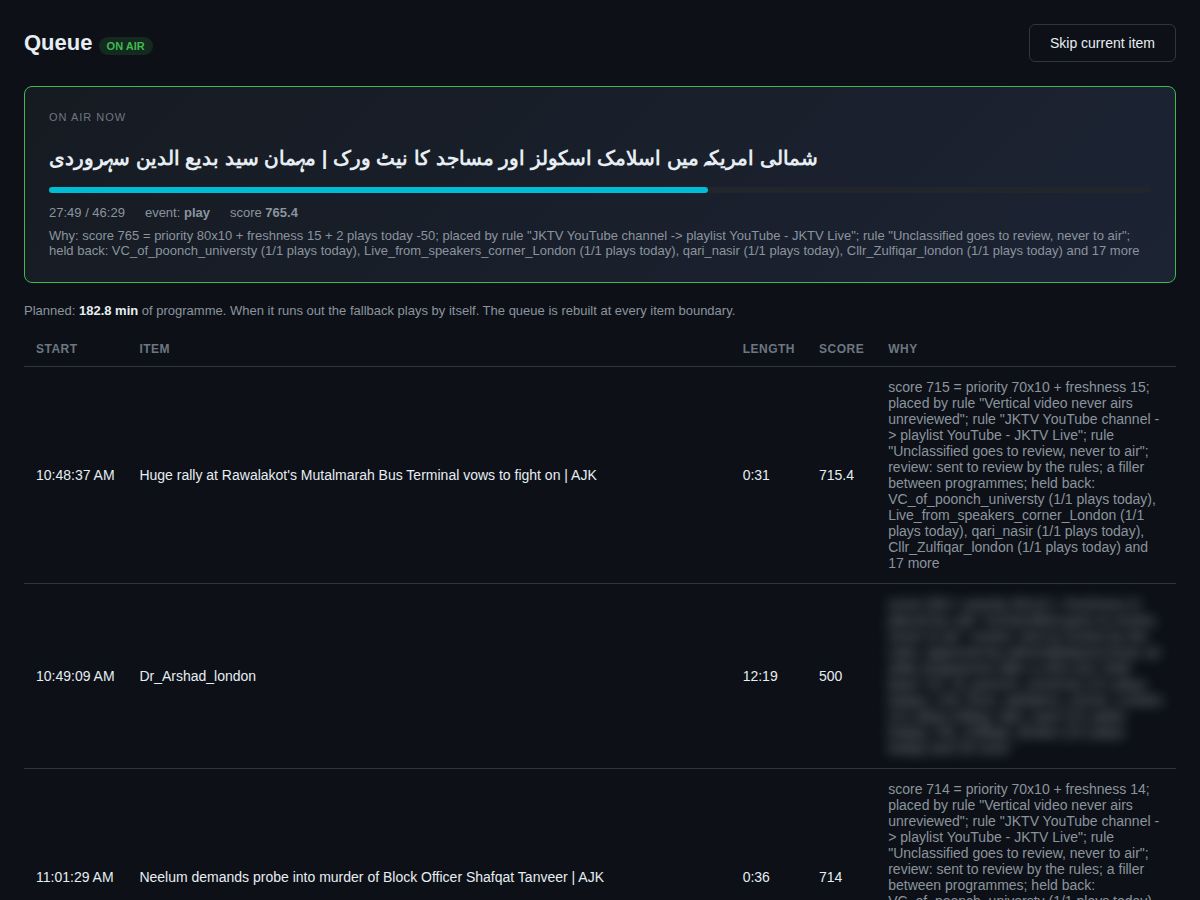
Screenshots from JKTV
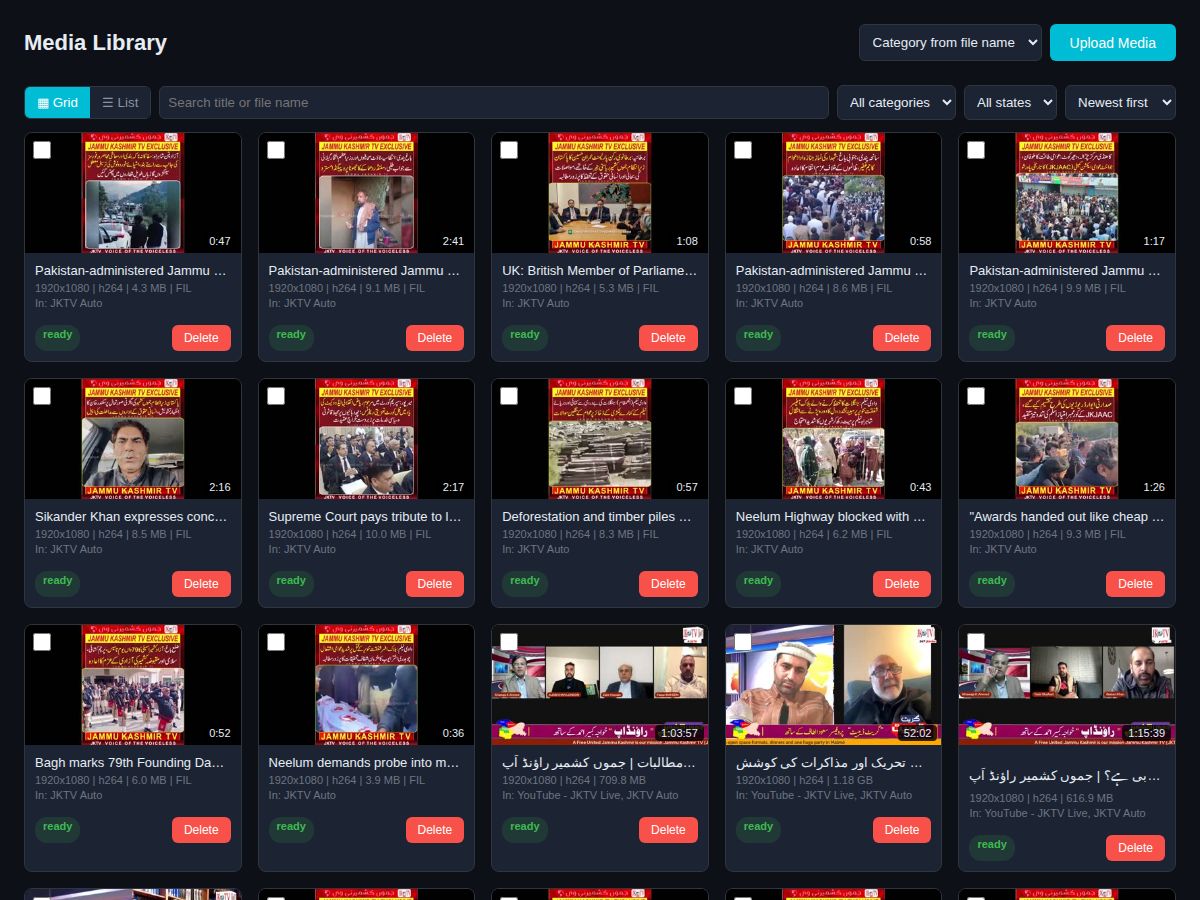
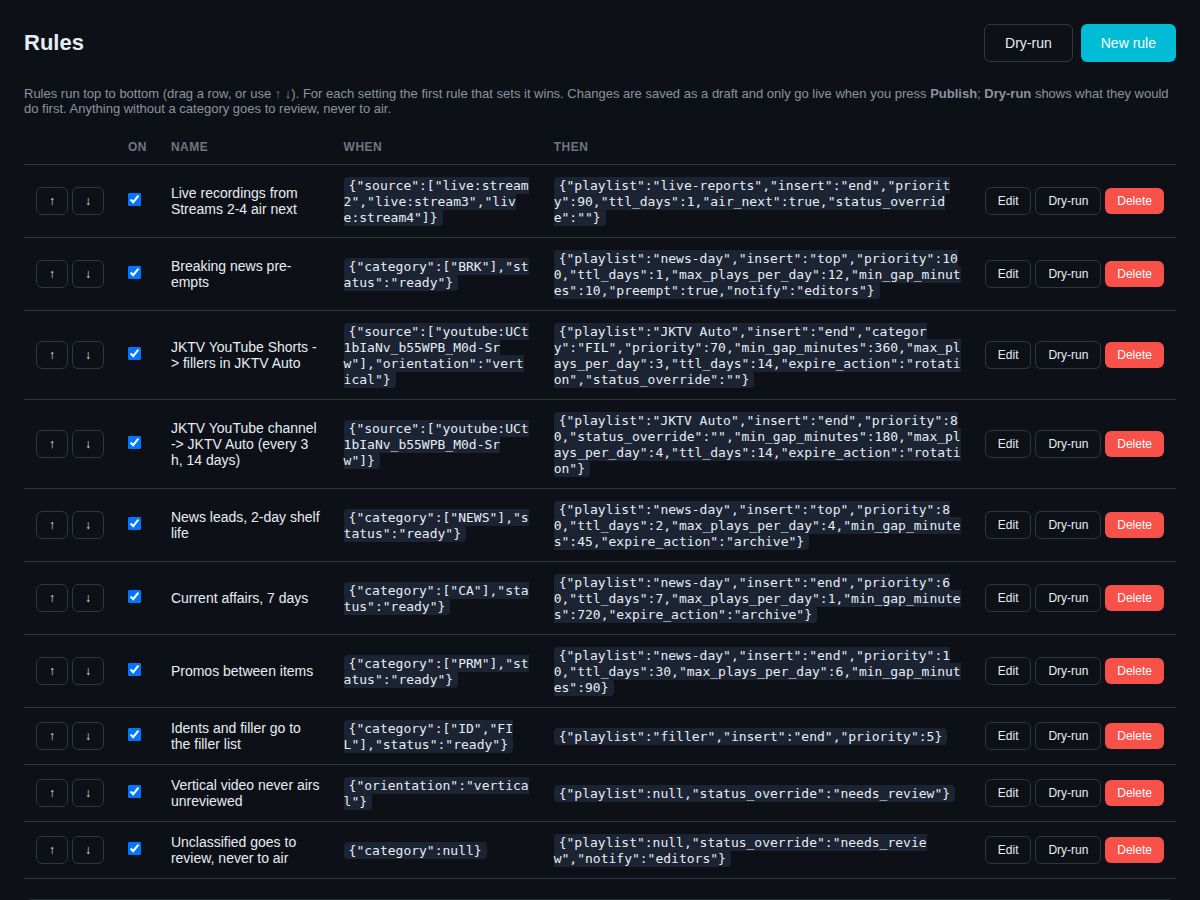
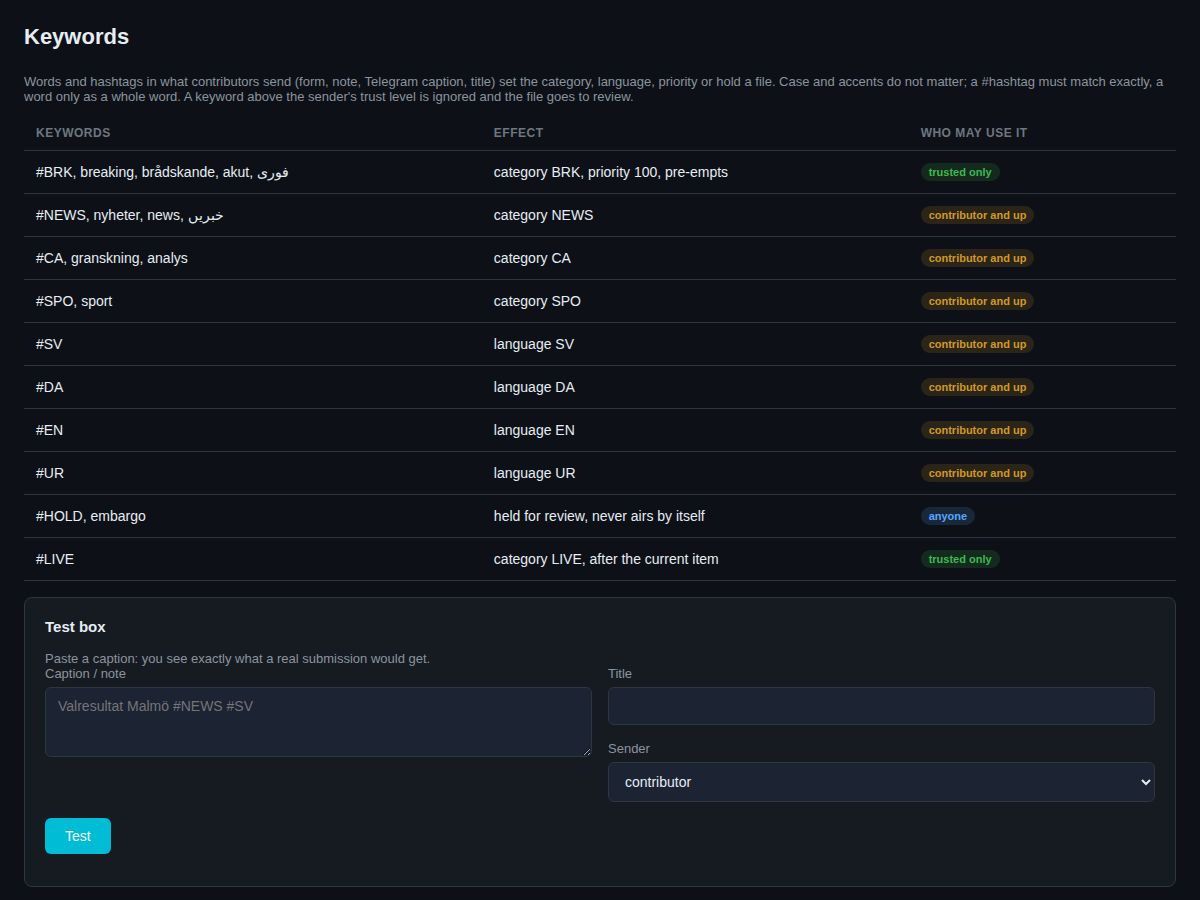
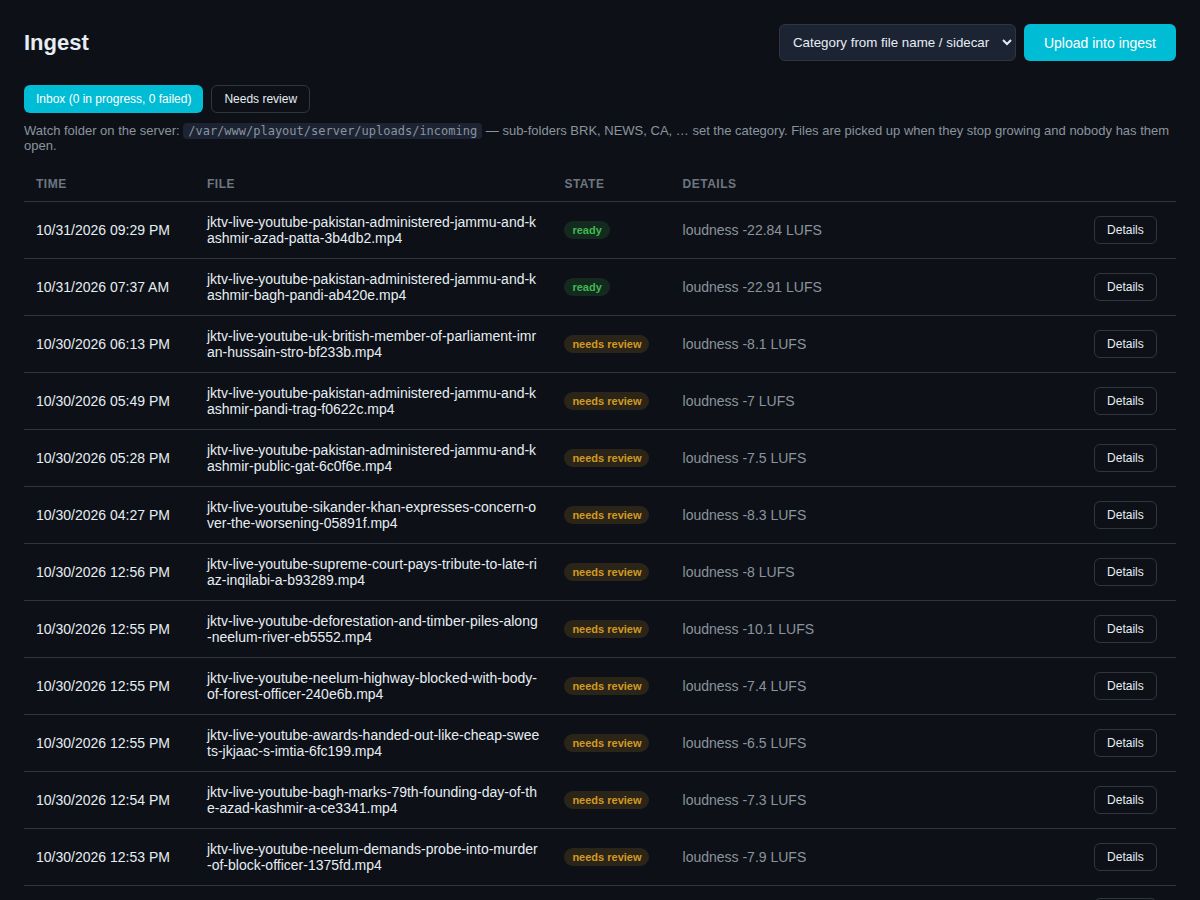
How it works
- 1Bring your videos and studioUpload in the browser, by SFTP or from your YouTube channel. Point OBS, vMix or StreamYard at your live input.
- 2Plan your weekBuild playlists, put shows and ad breaks on the calendar, set rules for news and breaking news.
- 3Go on air - and stay thereOnAir Playout plays your channel 24/7, goes live when your studio connects, puts approved videos on your website and e-mails you if anything needs you.
Running every day
Jammu Kashmir TV runs 24/7 on OnAir Playout - live shows go on air by themselves.
Specs
| Output | 1080p or 720p, H.264 + AAC 48 kHz, to your website and app or to a platform such as YouTube (RTMP, RTMPS, SRT) |
|---|---|
| Live inputs | 4 at the same time, encrypted (RTMPS, SRT), from OBS, vMix, StreamYard, Larix on a phone or a hardware encoder |
| Files in | Browser upload that resumes after a break, SFTP per reporter, YouTube channel, RSS, reporter portal, guest links with QR code |
| Viewer player | Auto quality 1080p-360p, one hour of rewind, Cast, AirPlay, audio only, installable app with notifications, embed code |
| Runs on | Your own Linux server (we advise the size for your channel) or our hosting; used from any browser on computer, tablet or phone |
| Languages | Titles, captions and keywords in any language and script, including right-to-left |
Questions
Do I need my own server?
No. We can host and run it for you, monthly. Or we install it on your own server and you own it.
What happens if the server restarts?
The channel is back on air within a minute, with the same video at the same second. Viewers see "We'll be right back" for those seconds, and the hour of rewind stays.
Can my reporters send from a phone?
Yes - live from a phone app such as Larix, or by uploading files in the reporter portal, which works like an app. Guests get a one-time link with a QR code.
Does it replace YouTube?
It works with YouTube: it can stream there and takes your new YouTube videos in. But your channel also plays on your own website and app, where you keep the viewers and the numbers.
Can I run ads?
Yes. Ad breaks after a number of videos or minutes, with start and end dates, daily limits and a play report per advertiser - including how many people were watching.
What does setup include?
We install it, connect your output and live inputs, bring in your videos and show your team how it works.
Ask for a quote
Tell us about your channel or organisation. We reply with a price and a free demo.