
BaithakLive studio for shows with guests
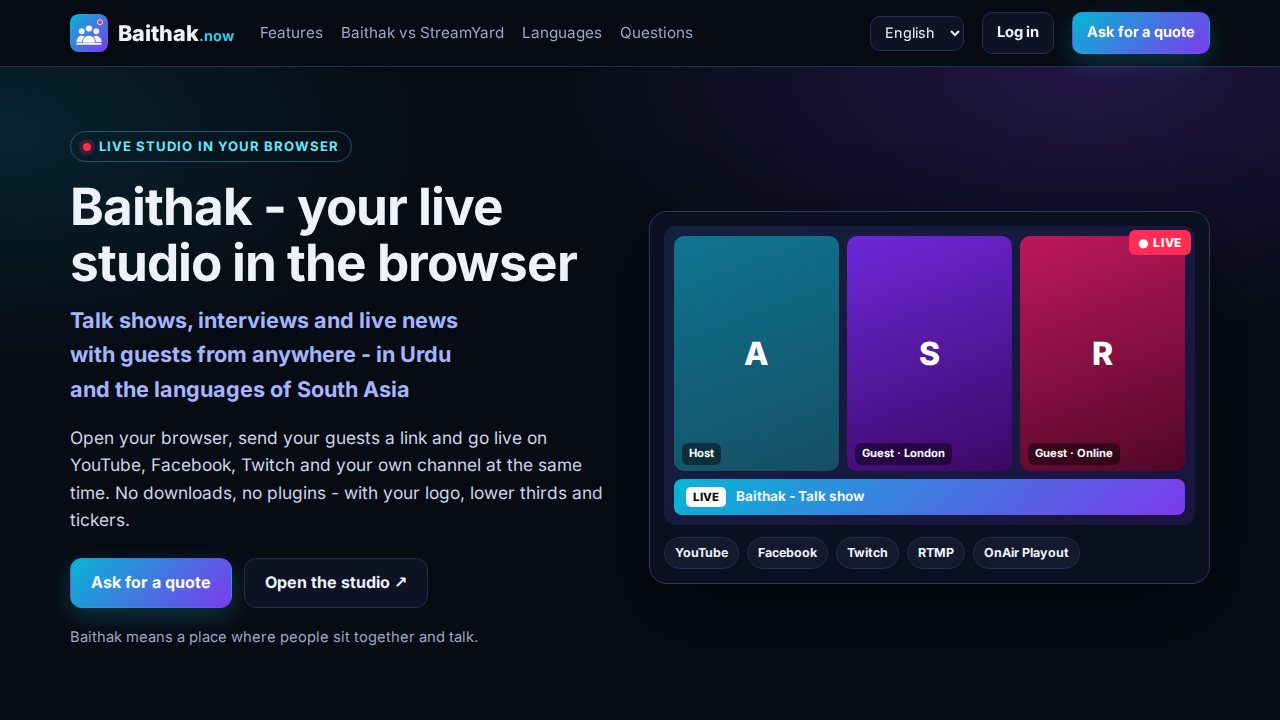
Baithak is the live studio of OnAir OS. Open it in the browser, send your guests a link and run a talk show, interview or live news with your logo and lower thirds - and stream it to all your channels and your 24/7 TV channel at once.
What you get
Shows with guests from anywhere
Send a link - guests join from their browser on a computer or phone, no account and no download.
Your channel look on every show
Logo, lower thirds, tickers, backgrounds and layouts make an interview look like your TV channel.
One show, every screen
Stream to YouTube, Facebook, Twitch and any RTMP address at once - including the live input of OnAir Playout.
What it does
Live = running at JKTV today. Coming = built or planned, not live yet.
Studio
- LiveStudio in the browser, no app to install
- LiveCamera, microphone and Full HD screen sharing
- LiveLayouts: single, side by side, grid and spotlight
Guests
- LiveGuests join by link, no account needed
- LiveLobby: you admit or deny each guest
- LiveBackstage green room for up to 8 people
Output
- LiveMultistream to YouTube, Facebook, Twitch and custom RTMP
- LiveRecording on your computer or on the server
- ComingConnect your YouTube and Facebook accounts in one click
Branding
- LiveLogo, lower thirds and scrolling tickers
- LiveBackgrounds and saved brand profiles
Meetings
- LiveVideo conferences with lobby, chat and scheduling
- LivePassword-protected rooms
- LiveAI summary and action points from the meeting chat
Languages
- LiveScreens in English, Urdu, Hindi, Punjabi, Pahari, Arabic and 7 European languages
- LiveBengali, Pashto, Sindhi, Nepali and Kashmiri
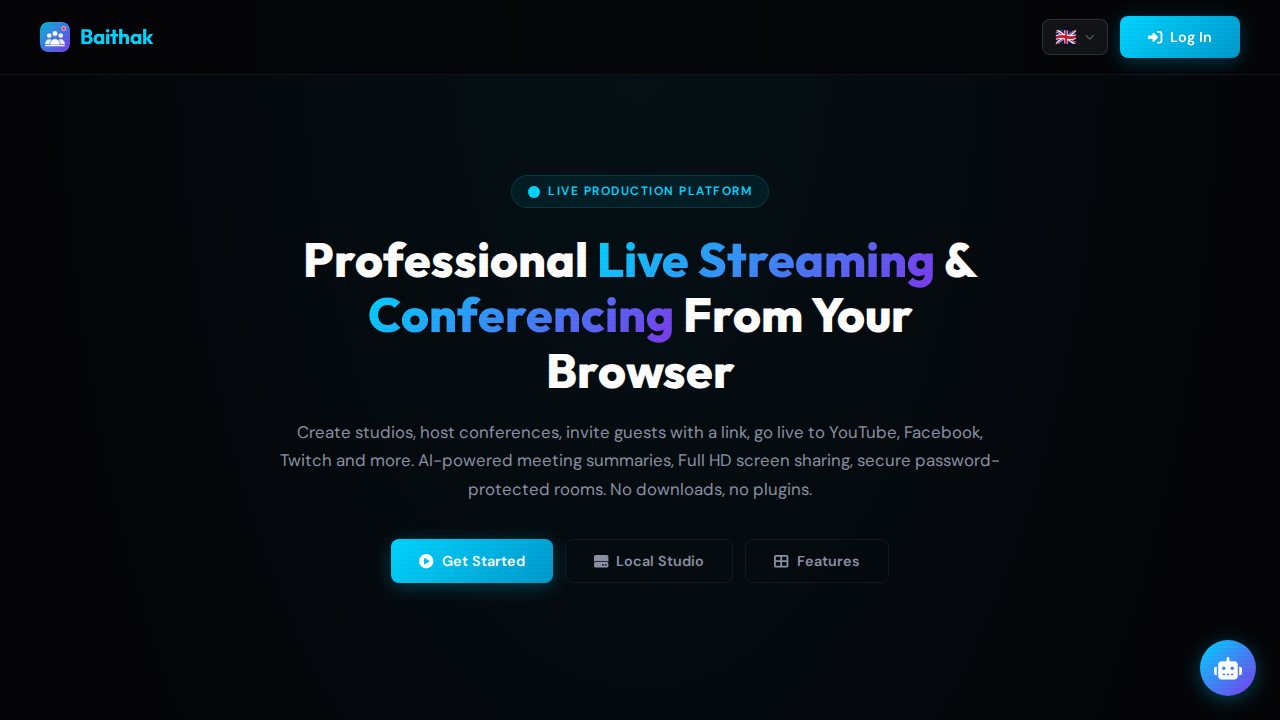
Screenshots from JKTV
How it works
- 1Open your studioLog in, create a studio and choose your layout, logo and lower thirds.
- 2Invite your guestsSend the guest link on WhatsApp or e-mail. Guests wait in the lobby until you let them in.
- 3Go live everywherePress Go live - the show goes to all your channels at once, and you can record it.
Running every day
baithak.now - the Baithak studio and website, in English, Urdu and 7 more South Asian languages.
Specs
| Runs in | Chrome, Edge and Safari on computers and phones - no download |
|---|---|
| Guests | Join by link without an account; lobby and backstage for up to 8 |
| Output | YouTube, Facebook, Twitch and any RTMP address at the same time |
| Recording | On your computer or on the server, download any time |
| Languages | 18 interface languages, right-to-left included |
| Hosting | Our server or yours |
Questions
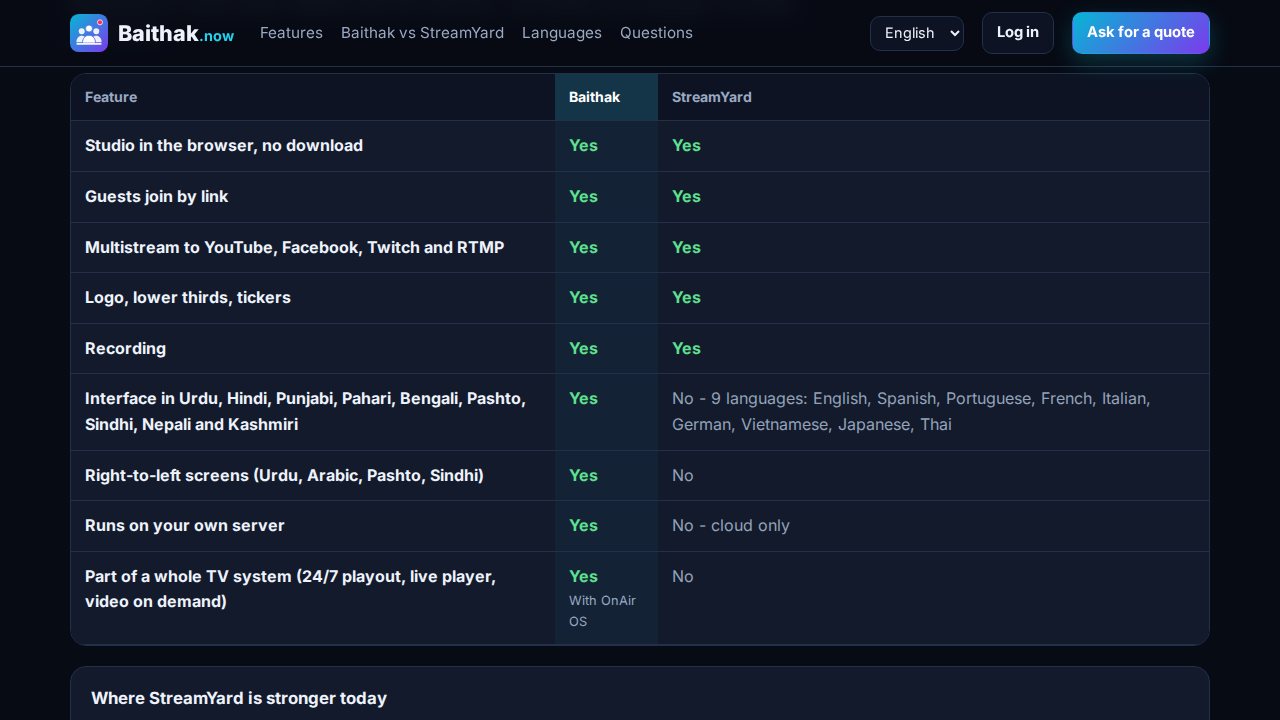
Is Baithak like StreamYard?
Yes - a browser live studio with guests by link, branding and multistreaming. It also speaks Urdu and the languages of South Asia, and it can run on your own server.
Can a Baithak show go on my TV channel?
Yes. Send the show to the live input of OnAir Playout and it goes on your 24/7 channel and on your website with OnAir Live.
Do guests need an account?
No. They open the link in their browser and wait in the lobby until you let them in.
Ask for a quote
Tell us about your channel or organisation. We reply with a price and a free demo.